 Loading... Please wait...
 AUD
AUD


Blog
Recent Posts
How to organize your taxes with a printable tax planner
Posted on
Doing your taxes might not be fun but you can make it less painful, faster and be able to easily find exactly what you’re looking for without missing out on any tax deductions with these cute, functional and editable tax planner printables!
These are not specific to a certain countries' tax laws so you can live anywhere in the world and use this tax planner! Plus both dollar sign and pounds currency are included for applicable pages.
I'll be sharing a list of 100 tax deductions in a later blog post (as well as my favorite websites with more resources to help minimize your taxes) - so look out for that post coming soon!
I already had a finance binder which I later updated to my current budget binder but I was missing printables that allowed me to get organised for tax time in a streamlined way. So I created this printable tax planner!


To create a tax planner you will need:
- A binder or other way to store your files such as the Arc notebook. You can read more about my comparison of the two in this blog post. I’ve transferred most of my other planner such as my business planner, budgeting and blog planner to Arc notebooks but still use a binder for my tax folder as this is mainly receipts and documents so would be too fat for the discs of the Arc notebook
- Tax planner printables kit from my shop (the planner comes in 7 different colors!) and includes file tab labels (for your binder or filing cabinet file folders)
Optional
- Small folder for storing receipts throughout the year (or you can use a pencil case with holes cut into it for a 3 ring binder)
- Clipboard for tracking mileage (there’s a mileage tracker included in the tax printables kit)
- Laminating machine – if you intend to binder the pages into a spiral bound notebook, you might want to print the cover onto cardstock and/or laminate for extra durability
Can’t I just do all this electronically?
You can, but you know what? I prefer paper. If I’m at my computer I don’t want to be focusing on spreadsheets etc. I already get distracted by social media and Photoshop etc. But by filing on paper it forces me to step away from the screen and really concentrate on what I’m doing. Plus I’m going to be filing everything in paper format anyway (I don't want to keep everything in digital copy only as I'm paranoid my laptop will fry itself one day, or one of my external hard-drives will corrupt and I'll lose important files!)
You can use apps for recording things like mileage but make sure you generate a print out or record it when you get home as you need to keep tax records for usually 7 years (depending on where in the world you live) and if your phone goes missing, you trade up to a newer iPhone model, your phone gets wet, you drop it and it breaks etc. or if something else unfortunate happens to your phone then you could potentially lose all your records. I personally just find keeping records all in on place so much easier!
My top tips for saving hassle at tax time:
- Keep a separate business bank account and/or credit card
- Record expenses when you spend them (stay on top of your book-keeping!)
- Do a weekly check-in with reimbursements and filing away receipts
- Keep a clipboard with the mileage tracker printable (included in this tax planner) in your vehicle. I also recommend a clip top bag or pencil case to store the receipts – don’t forget to get them out when updating your taxes and before the end of the year so you don’t miss out on deductions!
- File receipts in an organized manner – do NOT keep them in a pile on your desk or in a shoebox, recording them in a neat way will save so much time
- File paper straight away - avoid touching the same piece of paper multiple times
- Categorize, categorize, categorize – easy to find and easy to know where to record. Also helps if you purchase e.g. a laptop and it needs repairing you can easily find where you have stored the receipt
- File in date order or alphabetically within each category so you can easily find a receipt later on if you need to
- Don’t leave preparing your taxes to the last minute - you'll be stressed and could make math errors, accidentally input information wrong e.g. write numbers the wrong way around (15 instead of 51) or forget deductions etc.
- Don’t prepare your taxes all in one go, doing a little bit each month throughout the year will leave very little for you to do at the end of the year, you won’t miss anything and gives you time to have a think about if you’re missing anything
3 main ways you can file paperwork:
- Alphabetically
- By expense type (category)
- Date - When income or expense was paid or when income or expense was received
My tax filing & preparation system
Throughout the year
- Spend
- Record the expenditure the day I spend (or all expenses for the week depending on how organized I am) – scheduling time to do this (usually on a Sunday) helps make sure I don’t forget!
- File away receipts into their correct categories e.g. education, work etc.
- If it is something I can be reimbursed for through work, submit the form through work asap and make note when I’ve been reimbursed on the reimbursements pages (included in this tax planner)
- Record donations throughout the year as I make them so I don't forget to claim them
At the end of the year
- Usually 2 weeks before taxes are due, go through the checklists to make sure haven’t missed anything and get everything in order
- Pre-pay expenses so I can tax deduct them now. One way to set up your binder is to have the divider cover for each type of expense, followed by the checklist then this expense page and then a clear plastic pocket for the recipes relating to this category.
- Consolidate all the information to prepare my taxes
- Draft up my taxes for filing
- Go back to the prepped tax file a few days later and make sure I’m not missing anything
- Ask my accountant any questions (avoid doing this at the last minute when they're likley to be short of time and are more likely to give me a less in-depth answer or take longer to respond)
- Submit my taxes
- When I get the assessment notice update the estimating taxes and tax budgeting spreadsheets
- Then transfer these into a new tax binder which I set up for next year (get tabs organized, print relevant pages from the tax planner such as mileage logs, donation trackers etc.)
- I also like to scan all of the paper copies I've used throughout the year (such as the mileage log) so I have an electronic as well as digital copy. If you want to save space and don't want a ton of paper to file, scan everything onto your computer, then combine it into the one PDF file and print 2 per page and duplex page format (this will reduce 4 pages of paper to just 1 page!). I tend to print these in order e..g keep all expenses trackers pages together, all of the checklists together etc.
Disclaimer – I am not an accountant. I’ve developed these documents based on my own experience with tax time – I hope you find them as useful and time-saving as I have :)
So here's a closer look at some of the pages I have in my tax planner!
Due Dates
First things first you need to make a plan! You can then use this with the tax savings or payments. Use this sheet to record due dates for filing, plan when you're going to update, when you need to get in touch with the accountant, when you need to file taxes by to avoid penalties, when you need to pay a tax debt to avoid a fine or when your tax refund should appear in your bank account etc. This page is completely blank so you can add due dates relevant to the tax laws of the country you live in

Accountant Comparison
If you choose to hire an accountant to prepare your taxes for filing, use this page to compare fees, what’s included, their turnaround time etc. to help you choose the right accountant.
If you are going to hire an accountant I recommend you take your time deciding, you want to choose an accountant you can use year after year. Personally when I was choosing an accountant the main factor I considered (in addition to price) was an accountant that actually understood my business and who I could trust. I spent a little bit more for a more 'personalized' touch rather than one of those tax consultants from a huge organization that setup a pop up stall in the mall and rush to complete people's tax returns in an hour (not sure if they do this in other countries or if it's just in Australia?). Choosing accountants whose specialty is tax law is a definite must!

Questions for the Accountant
Jot down any questions you have throughout the tax year ready to ask at tax time (rather than throughout the year if your accountant charges hourly fees).

Preparing to file taxes
This 4-page checklist is the best place to start when it comes to preparing your taxes.
Page 1 includes everything needed to file taxes, preparing to file including goal due dates so you file on time, what to do after you file, record of quarterly taxes paid).
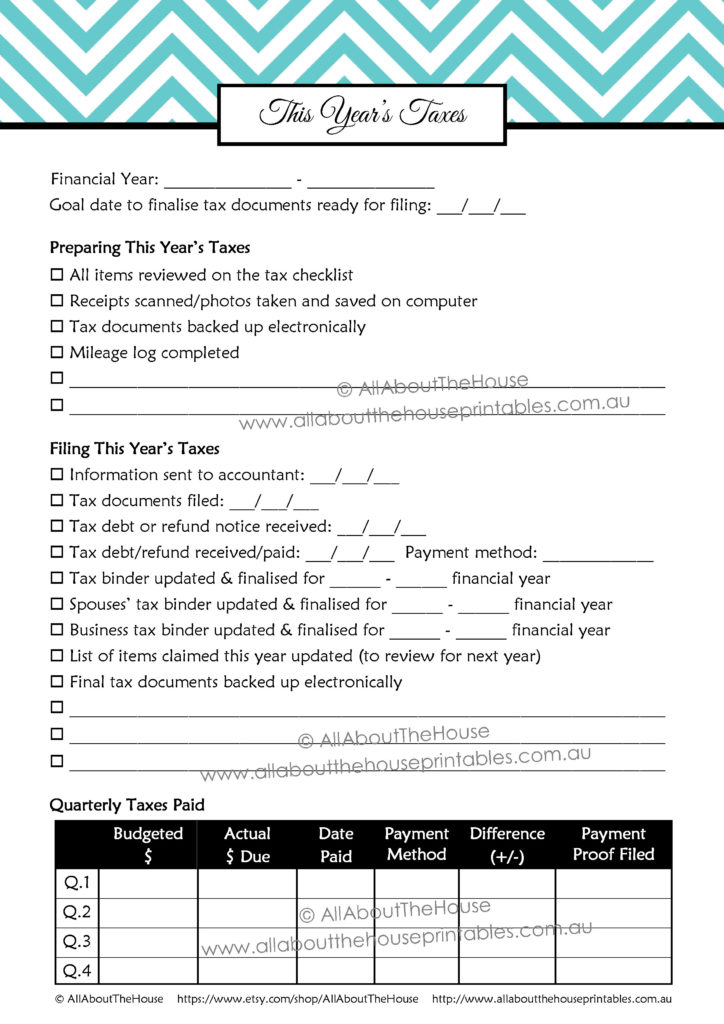
Page 2 is a checklist of categories of income and expenses - use 1 page per person e.g. one page for you and 1 copy of the page for your spouse

Page 3 is information outstanding (keep a list of documents still needed in order to prepare filing – avoid visiting the accountant multiple times or annoying them with numerous emails – which will also mean you are charged more!) – use 1 page per person e.g., one page for you and 1page for your spouse

Page 4 is a checklist to record to do’s before filing (blank so you can enter things specific to you, your business, your family etc.) – use 1 page per person e.g., one page for you and 1page for your spouse

Tax Checklist
There a a few versions of this page so you can pick and choose which one works best for you depending on your needs. For each version there are the following categories:
- Work
- Blog
- Business
- Children Related
- Miscellaneous
- Vehicle
- Education
- Property
- Travel
- Things you can't claim (this is one of my favorite pages from the whole set - so useful!) Here I record things you would think could be claimed on tax but which you unfortunately can't :( such as clothes required for work but which don't have a logo on them e.g. black work pants
Here's a sample of some of the checklists:
1 tax deductions category per page:
This page allows you to add the persons name and financial year so if you're preparing the taxes for yourself as well as your spouse and teenage children (or are helping your young adult children!) You can create separate checklists tailored to each person. Because these pages (and all of the pages in the kit except the cover & dividers) are editable - you can add the deductions once, save then re-print and re-use year after year so you don't need to re-type (or re-write) each year saving you a ton of time 9and money as you won't forget anything!)
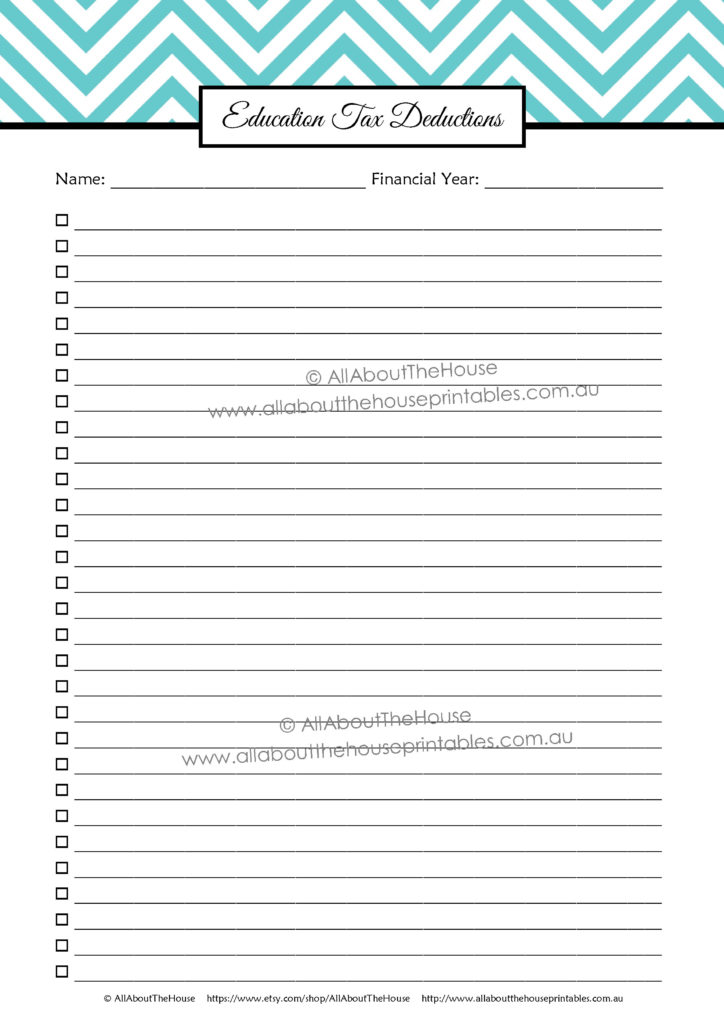
2 tax deductions categories per page:


No tax deduction is too small - I claim printer paper - it may be only $3 a ream but I sell printables so I obviously I use printer paper a lot - those reams of paper can really add up!
Tax Resources
As you're preparing your tax return you're bound to turn to Google to ask what you can tax deduct, or ask someone you know who works in the same industry, or ask your accountant, I've create this page so you have somewhere to record all of your 'go-to' tax-related sources of information

Note Paper
This blank lined note paper can be used to record tax information you don't want to forget or anything you like!

Estimating Taxes
So after you've identified all the tax deductions you qualify for you can take your income and estimate how much in tax debt you're going to have to pay or how much your tax refund is likely going to be.
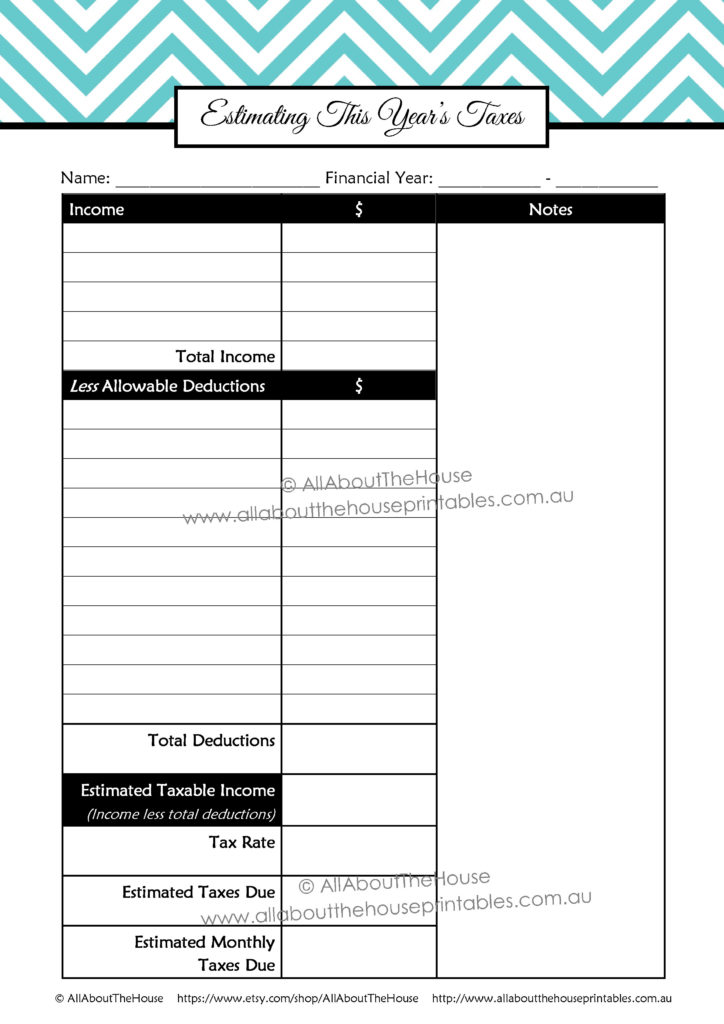 After you get your tax assessment notice back, use this page to record the actuals (then keep this page so you can refer to it next year as a 'benchmark')
Tax Budgeting
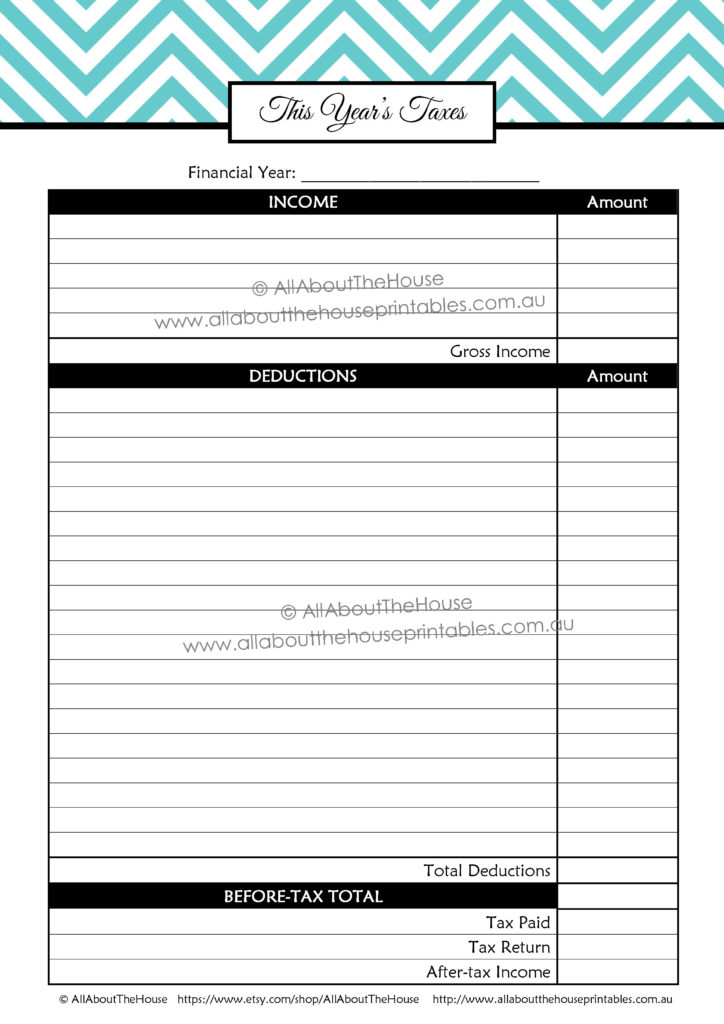
Then you can use this information to calculate how much to set aside in savings to cover tab debt. You can use this tax budgeting page for savings set aside to pay your taxes, or to record tax debt payments made - or both!

Estimating Deductions
If you work from home, use this worksheet to help you determine how much is business use and the cost you can deduct e.g. internet, furniture, electricity costs etc. By using this spreadsheet you avoid having to redo the same calculations each year. This page is also evidence of how you arrived at your values if you are audited by the tax authority in your country. There’s a second blank page for you to choose your own assets or things you use at home and for your business (2 pages)
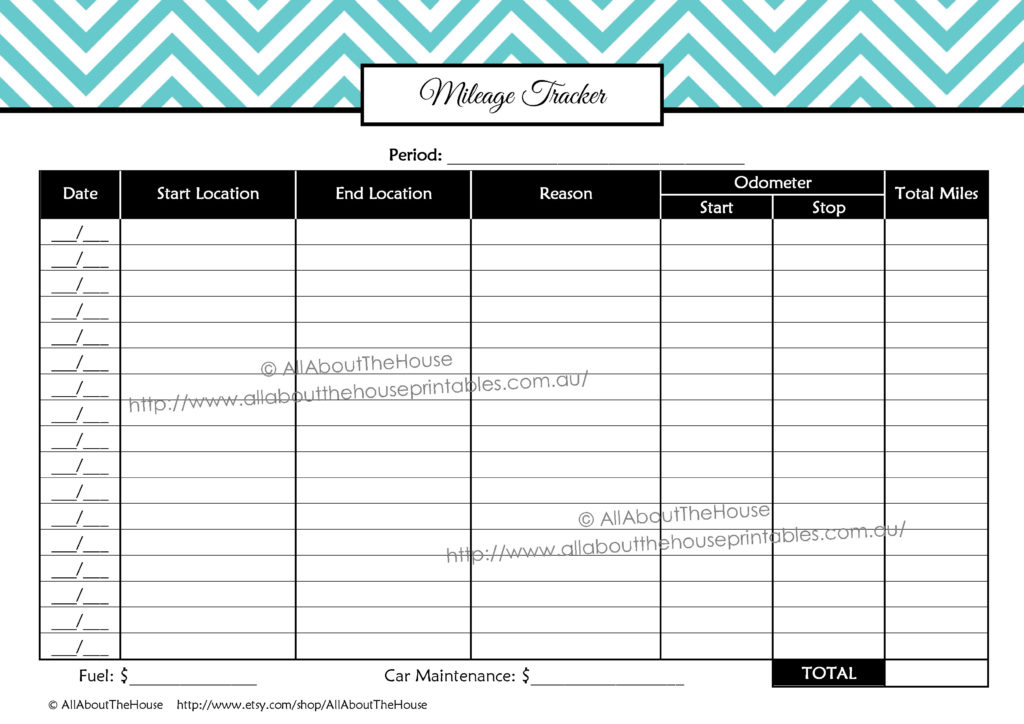
Mileage Tracker
This page comes in both portrait page orientation and landscape so you can choose whichever page works best for you :) If you're using a half size planner you can print the landscape page orientation and fold in half so that the page folds out. You might also be interested in the car maintenance checklist (which is from the home and inventories kit)

Subscriptions and Memberships Tracker
You can tax deduct subscriptions to professional journals which you can record on this page You can also use it to keep track of your personal magazine subscriptions such as BHG, Women's Weekly etc.

Donations Tracker
If you make small donations throughout the year it can be easy to forget how much you've donated when it's time to submit your taxes!

Expenses
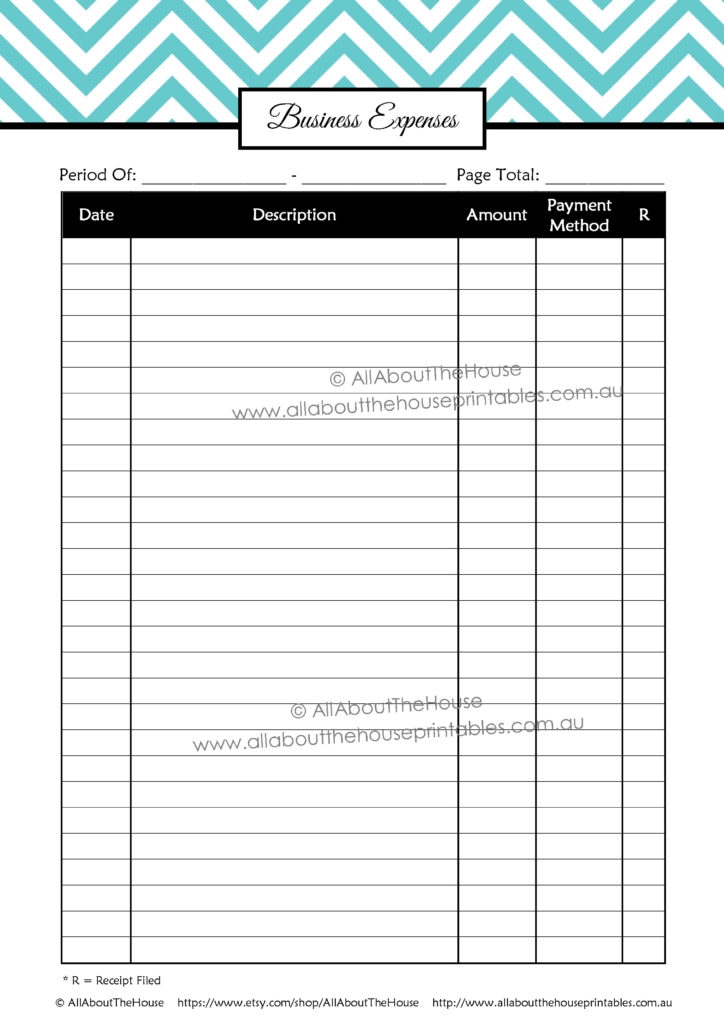
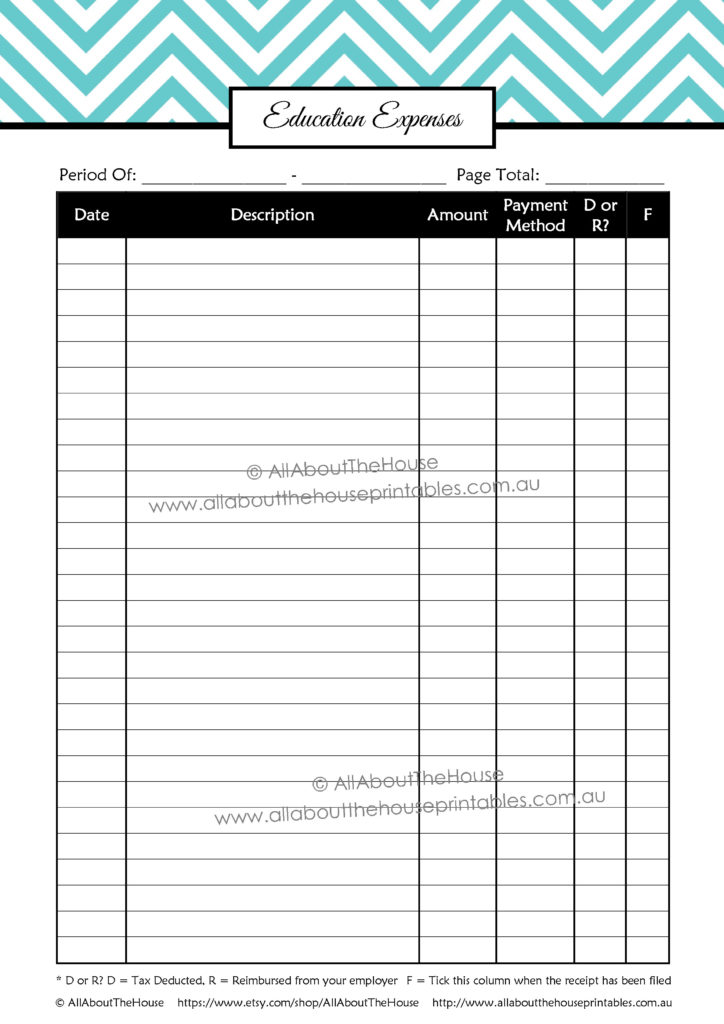
There are a few different expense pages - one for each category (like the tax deduction checklists) so you can record all your expenses. I recommend doing this as you incur them throughout the year so you don't forget any! Plus, all the hard work is already done for you at tax time, all you need to do is total it up and give the details to your account (transfer the total for each tax deductible expense category to the estimating taxes page). One way to set up your binder is to have the divider cover for each type of expense, followed by the checklist then this expense page and then a clear plastic pocket for the recipes relating to this category.


Reimbursed Expenses
If you're reimbursed through work and can’t claim again on your taxes then record those items here (as well as the date you were reimbursed to make sure you actually got your money back!) You could also use the reimbursed column to record the amount if you were only partially reimbursed for the expense.
This page comes in both landscape and portrait page orientation so you can choose whichever works best for you. There’s also a second version with a category column if you want to record the expense category as well.

Wish List
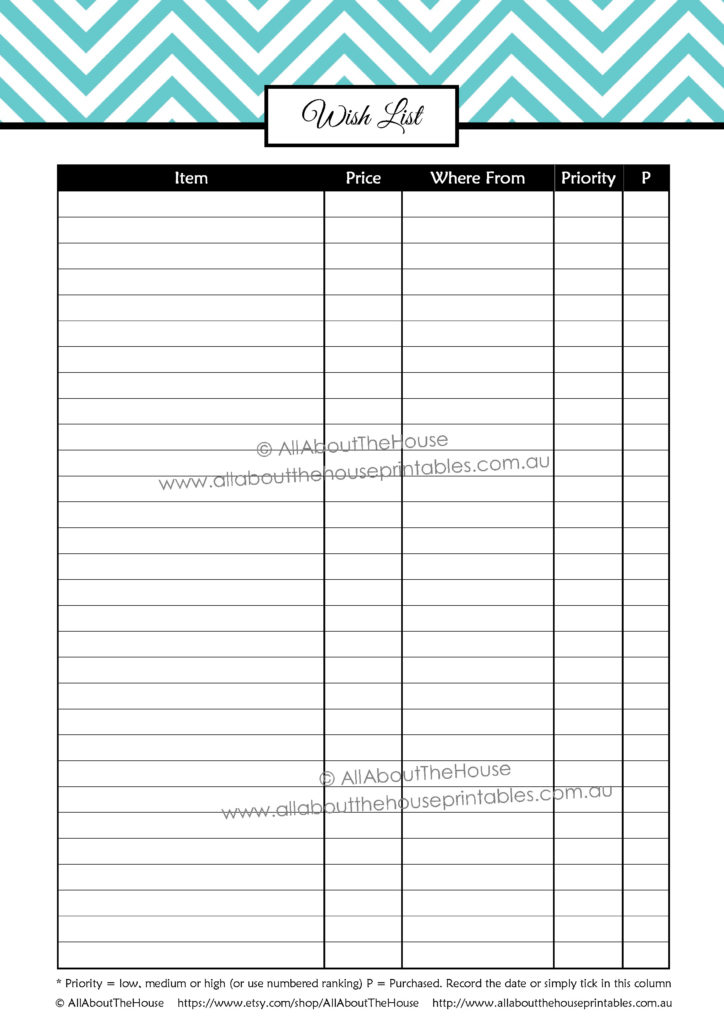
Perfect for bloggers & business owners. Keep track of items you want to buy and if you need some extra tax deductions just consult your list. It will also help you prioritize those that you want the most as you can see what other investments you’re trading off by choosing one and not another (there’s a column for you to record whether it’s a low, medium or high priority). Some items you might have on your list could be new software, new graphics, an ecourse you've been eying off for a while, an ebook, craft tool, new machine etc.
You can also use this for your personal wish list (can be for anything even unrelated non-tax deductible things)
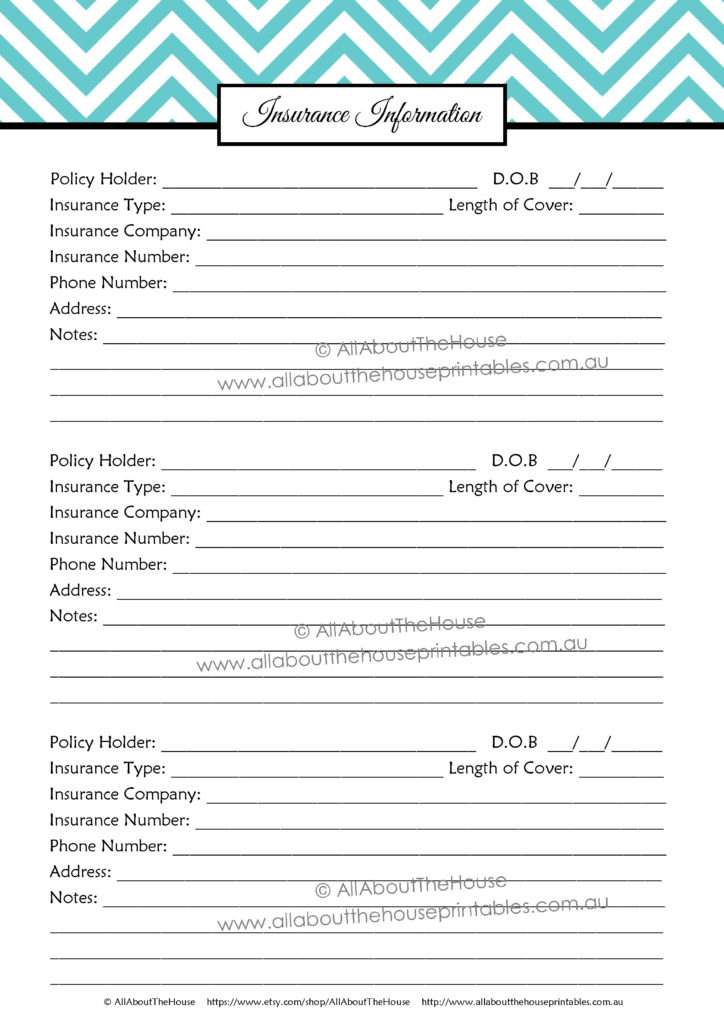
Insurance Information
This insurance information page is perfect for keeping track of health, home, business, vehicle and any other insurance policies you might have. When you're preparing your taxes you're probably going to need details of medical insurance etc., if you have an investment property or if you claim home office expenses you can claim a portion of your home insurance premium as well!
Account Information
So when you submit your tax return you're you're going to need to provide your bank account details (especially if you're getting a tax refund!) and that's where this account info sheet comes in:

Dividers (Can also be used as Binder Covers)
Depending on how much paperwork you have to organize and sot you might want to keep things in separate binder - ca use these as divides within a binder or file them separately. If you have a lot of paper - one way to save paper is to scan everything in as a pdf, the print 2 per page (and duplex printing) that way it will reduce a lot of paper but you'll still have a paper version in case something happens to your digital records.
Here's a close up look at some of the dividers:


If you have so much paperwork and file periodically e.g. once a week or once a month, or grab the mail as you run out the door, then I recommend adding this 'to file' divider to your planner or binder cover

There's a receipts cover as well as a receipts cover for each month i.e. 'January Receipts', 'February Receipts'. There are also tabs for just 'receipts' and also by month ('January Receipts', 'February Receipts' etc.) depending on how much paperwork you have to organize or how you choose to organize your files.
You could create just a section for vehicle expenses, create an entirely new binder or print off a bunch of the mileage pages and bind them into a notebook for your car. I print a bunch and keep them on a clipboard.


There's also covers/dividers for: Paid Invoices, 30 Days Overdue Payments, 30 Days Overdue Income, 30 Days Overdue Payments, 30 Days Overdue Income, 60 Days Overdue Payments and 60 Days Overdue Income so you can sort your paperwork to quickly find exactly what invoice you're looking for.
I recommend keeping all your tax deductions checklists in a separate section for quick reference!

In addition to a covers that say 'tax planner' and 'taxes', there's also dated covers from 2010 taxes through to 2020 taxes (so you can get your past years' taxes in order and be ready for the coming years!). Also included are financial year covers e.g. '2010 – 2011 Taxes' for those who live in countries where the tax year runs on the financial year (like my fellow Aussies!)

So in summary, this is my process for organizing my taxes:
Throughout the year
- Spend
- Record the expenditure the day I spend (or all expenses for the week depending on how organized I am) – scheduling time to do this (usually on a Sunday) helps make sure I don’t forget!
- File away receipts into their correct categories e.g. education, work etc.
- If it is something I can be reimbursed for through work, submit the form through work asap and make note when I’ve been reimbursed on the reimbursements pages (included in this tax planner)
- Record donations throughout the year as I make them so I don't forget to claim them
At the end of the year
- Usually 2 weeks before taxes are due, go through the checklists to make sure haven’t missed anything and get everything in order
- Pre-pay expenses so I can tax deduct them now
- Consolidate all the information to prepare my taxes
- Draft up my taxes for filing
- Go back to the prepped tax file a few days later and make sure I’m not missing anything
- Ask my accountant any questions (avoid doing this at the last minute when they're likley to be short of time and are more likely to give me a less in-depth answer or take longer to respond)
- Submit my taxes
- When I get the assessment notice update the estimating taxes and tax budgeting spreadsheets
- Then transfer these into a new tax binder which I set up for next year (get tabs organized, print relevant pages from the tax planner such as mileage logs, donation trackers etc.)
- I also like to scan all of the paper copies I've used throughout the year (such as the mileage log) so I have an electronic as well as digital copy. If you want to save space and don't want a ton of paper to file, scan everything onto your computer, then combine it into the one PDF file and print 2 per page and duplex page format (this will reduce 4 pages of paper to just 1 page!). I tend to print these in order e..g keep all expenses trackers pages together, all of the checklists together etc.
Printing Tips
If you want to save paper, you can print 2 pages per sheet then cut in half for half size pages, or just don’t cut in half. You can also do duplex printing as I include 2 copies of each sheet per pdf. If you only want to print 1 page of the PDF just select ‘current page’ from the print menu. For a tutorial on how to print printables, please see this blog post (it includes lots of screenshots and detailed instructions!)
If you’d like to get your taxes in order, you can purchase the tax planner from my online shop or through my Etsy shop. It’s available in 7 different colors!

If you couldn't already tell from this post I'm just a tad excited by these tax printables (I guess I'm a bit of a dork for getting excited about printables and getting organized :p) It makes the process much more streamlined and quicker!
Disclaimer – I am not an accountant. I’ve developed these documents based on my experience with tax time – I hope you find them as useful and time-saving as I have :)
Chevron Teacher Planner - EDITABLE
A new set has been added to the shop – a TEACHER PLANNER!Click the photos to enlarge then click the back button to return to this blog post!This is the biggest set so far – it has 295 pages!!! It has so many awesome and detailed pages to organize everything from lesson planning to field trips, [...]
Chevron Student Planner - Editable
Introducing the new Student Planner! This planner can be used for middle school, high school/secondary students and college students. The student planner contains 54 pages to keep you organised all year long! Most pages are editable.Included in the Student Planner‘Student Planner’ Binder Cover and Spine (in 3 sizes to suit any binder). This cover can be personalised [...]