 Loading... Please wait...
 ARS
ARS


Recent Posts
How to make printable storage contents labels in Photoshop (step by step video tutorial)
Posted on
If you have a ton of stuff to organize and need some labels to sort it all out then in today’s tutorial I’ll show you how to make your own storage labels!
HOW TO MAKE CONTENTS LABELS IN PHOTOSHOP
To enlarge the screen of the video, click the square icon in the bottom right hand corner of the video (it will say ‘full screen’ when you hover your mouse over the icon).
Subscribe to my YouTube channel for more planner related videos & graphic design tutorials!
MENTIONED IN THE VIDEO:
- How to use the color tools in Photoshop
- Click here to download free printable storage labels
- Printing Tips
SOME OF THE WAYS YOU COULD USE THESE LABELS:
- Pantry labels
- Organizing storage boxes that aren’t see-through
- Jar labels
- Kids’s clothes
- Drawer labels
- Things put into long term storage
- Storing Christmas decorations
- Moving box labels (I have some similar ones that are much larger in my printable moving kit planner. Read more about how I use them here)
- And anything else you can think of :)
ICK HERE TO DOWNLOAD FREE PRINTABLE STORAGE LABELS

SOME OF THE WAYS I’VE USED THESE LABELS
Stationery storage

Related: Ultimate list of the best planner pen brands and how to choose colors for color coding
COLOR CODED STORAGE

Related: Color coding your planner: how to choose which colors to use
BOXES YOU CAN’T SEE INSIDE OF WITHOUT OPENING THEM UP

Related: Favorite washi tape for planning, planner decorating & color coding
FOR ORGANIZING MY MANY PLANNER STICKERS!
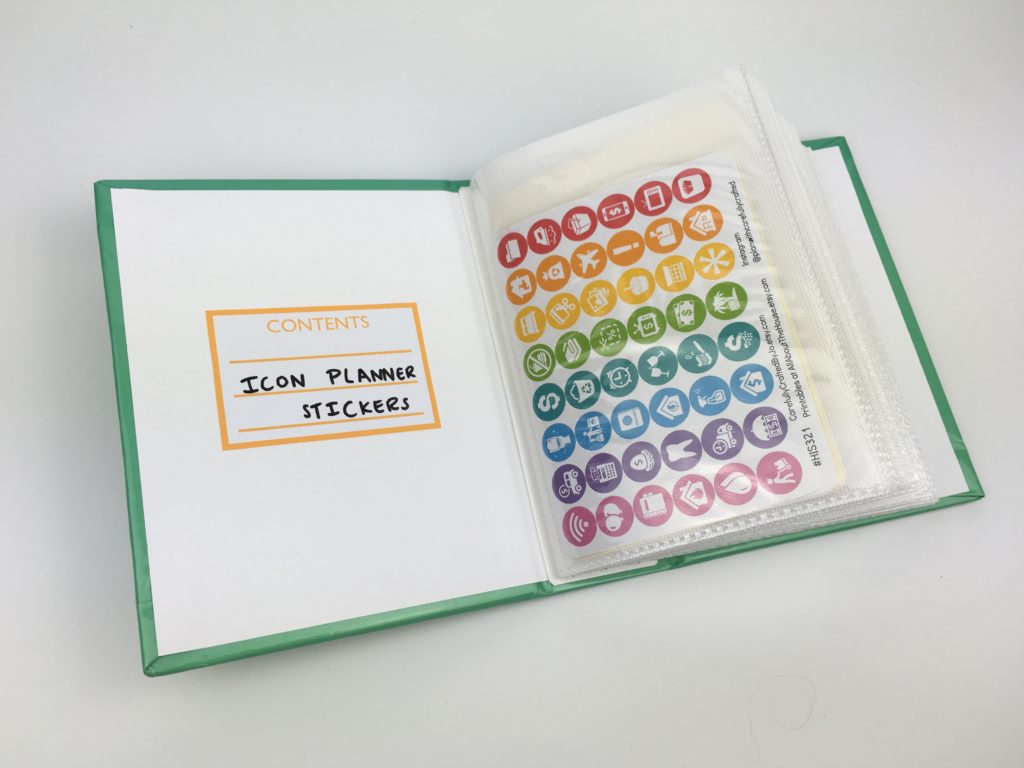
Related: How to organize planner stickers using folders (plus free printable labels)
I also made similar labels for the stickers I store in A5 plastic document wallets (from Target). They’re also a free printable in the library

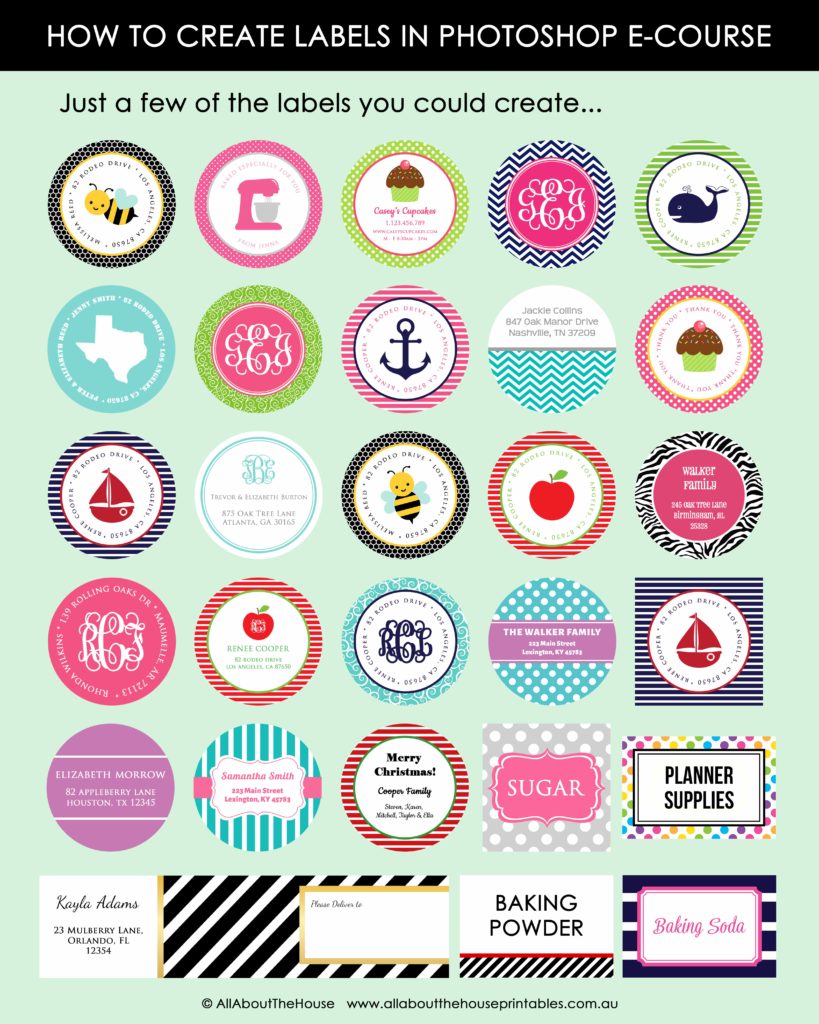
LEARN HOW TO MAKE LABELS LIKE THE ONES IN THE IMAGE BELOW IN MY ECOURSE: HOW TO MAKE PRINTABLE LABELS IN PHOTOSHOP
FOUND THIS POST HELPFUL? PIN IT!
