 Loading... Please wait...
 BRL
BRL


Recent Posts
50 Things You Can Make Using Photoshop
Posted on

Photoshop is a very powerful software – you can do so many more things than just edit photos. I use it mainly to make printables, patterns, labels, recipe binder printables and party printables. Photoshop is actually a very easy to use software!
'Easy to use?' you say. I hear you, I remember feeling intimidated the first time I opened Photoshop. I had no idea what all the buttons did, how to use them and let’s not even mention Photoshop’s hidden secondary menu (why Adobe, why did you hide all the cool features in multi-use buttons? (that one took me forever to figure out!)
Example of Photoshop’s secondary menu:

But the awesome thing is, I only use about 10% of all of Photoshop features. And I use Photoshop every. Single. Day. Once you get the hang of it you can quickly whip up something like these cute address labels: 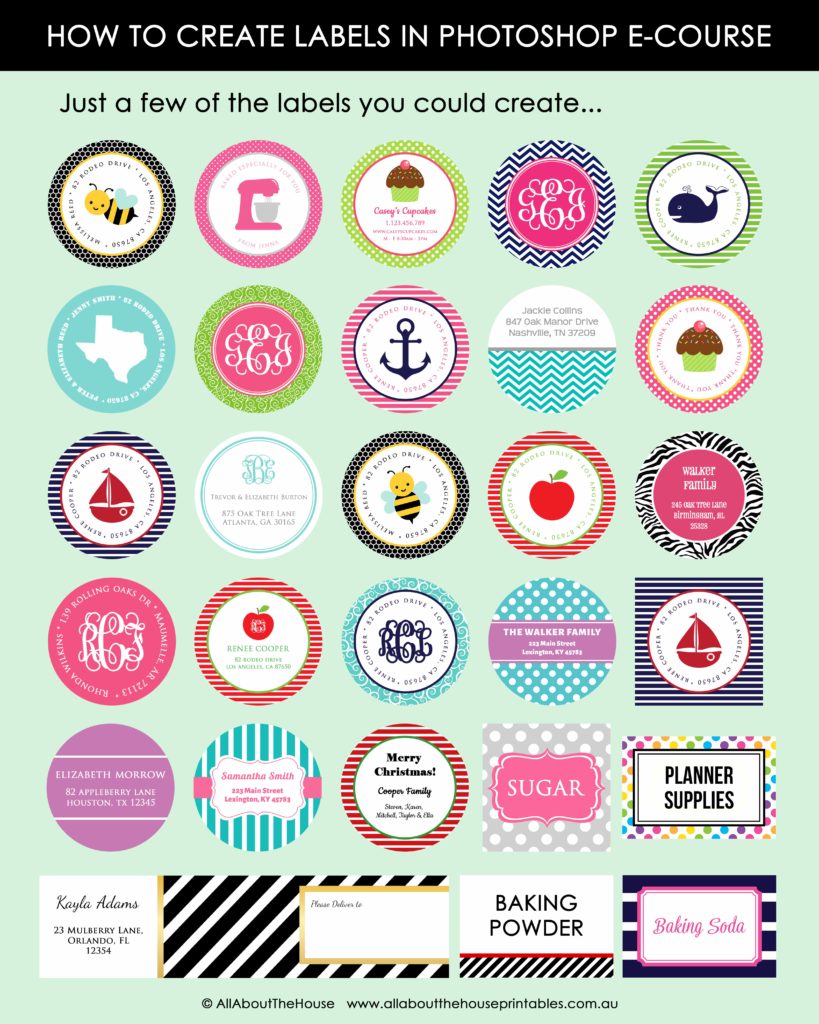
Being able to create your own designs in Photoshop means you can make truly unique designs and set yourself apart from the competition. It also saves you hours scouring the internet for the perfect pattern in colors that are similar to your brand and templates in the exact size you're looking for.
Photoshop is actually much more affordable than you think. Its only $9.99USD/month! And if you’re using photoshop for business purposes you can tax deduct the expense.
Related: Free printable checklist of 100 tax deductions
So if you’ve been thinking about making something in Photoshop or you want to give the software a try but aren't sure how you'd use it - here are 50 things you can make using Photoshop:
Business
- Business cards
- Flyers
- Menus
- Postcards
- Notecards
- Letterheads
- Envelope liners
- Signs, banners or posters
- Logos
- Etsy shop banners & profile pictures (see this post on how to make an Etsy shop banner and this post if you want to learn how to make an Etsy shop profile pcicture/logo)
- Forms e.g. order forms, invoices
- Pricing guides
- Internal business documents such as manuals, appointment log books
- Contracts
- Catalogues (see this post for a step-by-step tutorial on how to make one)
- Sales sheets
- Gift certificates
- Desktop wallpapers
- Pricing guides
- Questionnaires
- Media kits
- Portfolios / Lookbooks
- Resumes
- Letterheads
- Collage board/product collage - these are great for gift guides (for your online shop or if you're a blogger), promoting other products from your shop if you have spare photos for your Etsy shop, mood boards, inspiration boards etc. (See this post for a step-by-step tutorial on how I use collage boards)
- Promotional graphics
- Mockups & styled stock images (I shared how to use mockups in photoshop in this post)
- Photo editing & retouching - you can use Photoshop to create product listing photos (I use Photoshop to create all of the preview images for my printable planners)
Related: Free printable checklist of 100 tax deductions
Example of the planner sticker promotional graphic I have on my online shop to direct them to my Etsy shop where my planner stickers are sold.

Example of one of the product preview images for one of my printable planners created in Photoshop
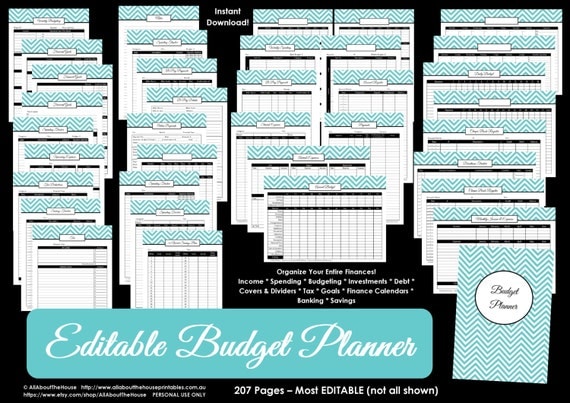
If you're interested in more tutorials about making your own printables, I have an entire ecourse filled with tutorials on How to Make Printables in Photoshop.


Example of a mockup using the business spreadsheets from my shop:

If you'd like to learn more about how to use mockups (including a video tutorial), see this post.
Example of a catalog template I made in Photoshop (using products from my sister’s shop, Carefully Crafted By Jo)

My Etsy shop banner and profile picture

Example: promotional image - the Choose 30 Planner stickers bundle from my shop
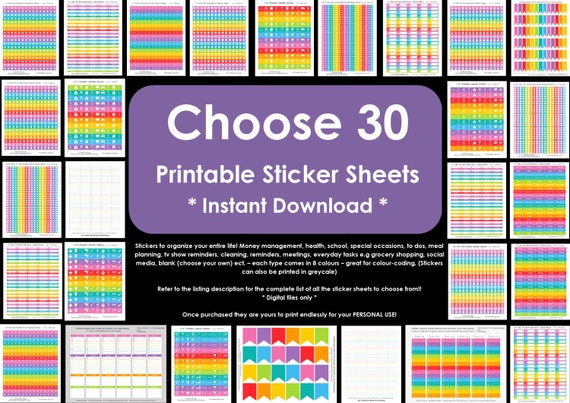
And did the same with the Ultimate Etsypreneur Success Bundle (I simply combined the preview images for each product to create a new preview image - quick and easy!)
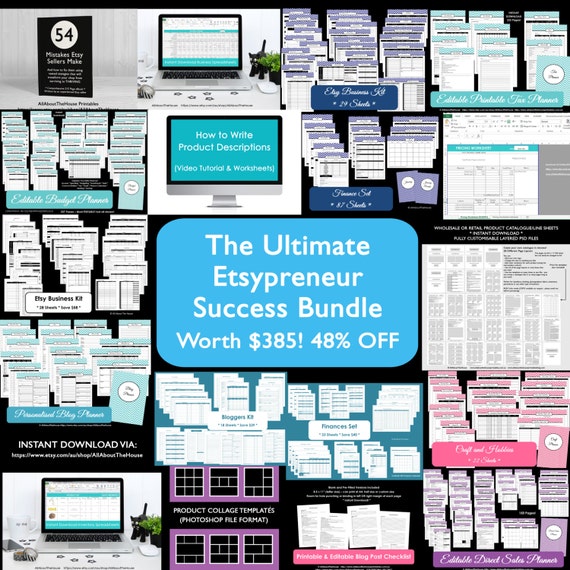
Don't under estimate how effective bundles are at increasing sales - everyone loves a good deal!
Blogging
- Social media graphics – Facebook, Pinterest, Instagram etc.
- Blog post graphics (I posted a step-by-step tutorial on how I make my blog graphics in this post, the process is similar in Photoshop)
- Email newsletter headers & signatures
- Quotes
- Lead magnet promotion images such as the one below for the free download of my favorite tools
- Sidebar advertisements


Example of a blog post graphic created using Photoshop. See this post for a step-by-step tutorial on how to make graphics for your blog

My Youtube channel banner which I made in Photoshop

I made my blog subscriber signup form preview image using Photoshop

Lead Magnets/Freebies
Lead magnets are great as content upgrades for your blog posts to encourage people to subscribe
- Ebooks
- PDF guides
- Workbooks
- Worksheets
- Cheatsheets
- Checklists
- Templates
- Charts / tables
- Infographics
- And also the preview image to promote the free download.
Here's one for my printable tax deductions checklist you can download here:

And another one for free printable planner stickers:

Printables
- Planner printables
- Party printables
- Stickers such as planner stickers, envelope seals, address labels, packaging seals with your business logo etc. (if you want to learn how to make labels in Photoshop, I teach that in this ecourse)
- Gift Tags
- Bookplates
- Wall Art
- CD Labels
- Invitations
- Designs that you create in Photoshop then upload to sites such as Zazzle where you can make your own mugs, cushion covers etc. (and also sell the designs you create for some extra dough!)
Related: How to Make Patterns in Photoshop and Monetize Your Designs, How to Make Labels in Photoshop
Being able to create your own designs in Photoshop means you can make truly unique designs and set yourself apart from the competition it also saves you hours scouring he internet for the perfect pattern in colors that are similar to your brand.
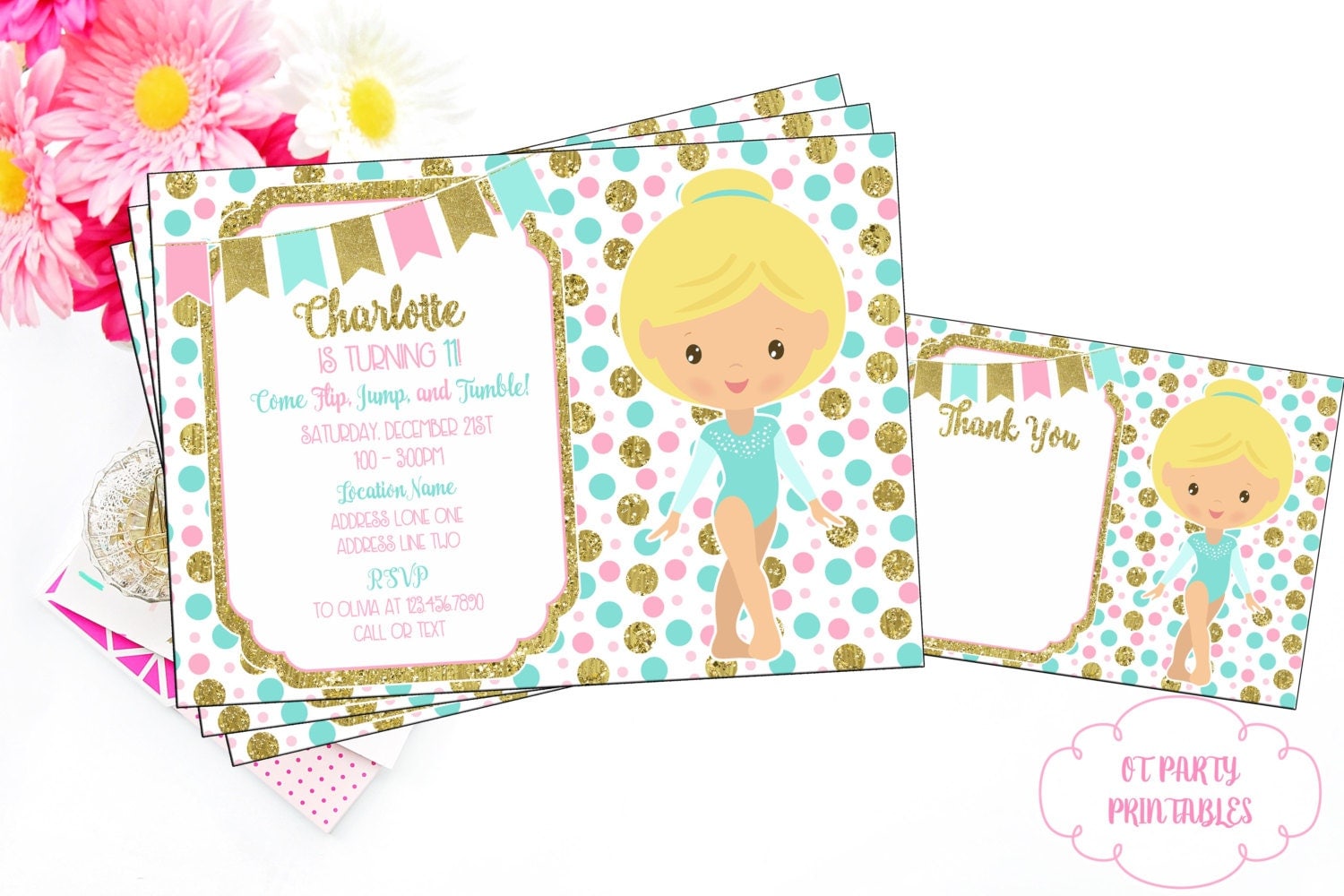
Here's an example of an adorable invitation from OTPartyPrintables created using the confetti dot pattern overlay from my shop
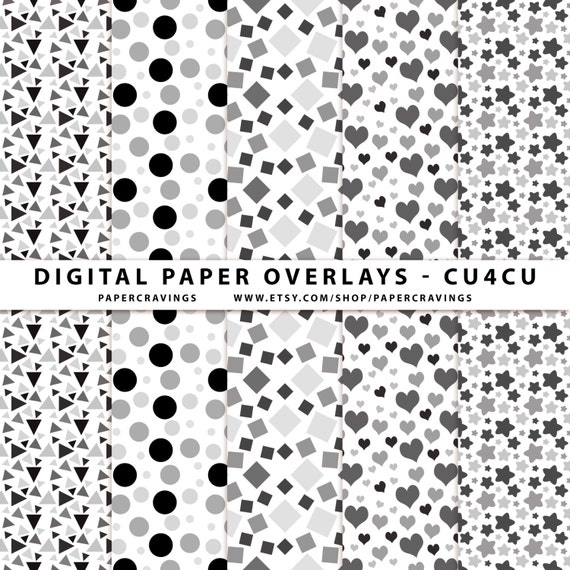
 Confetti dot pattern overlay from my shop
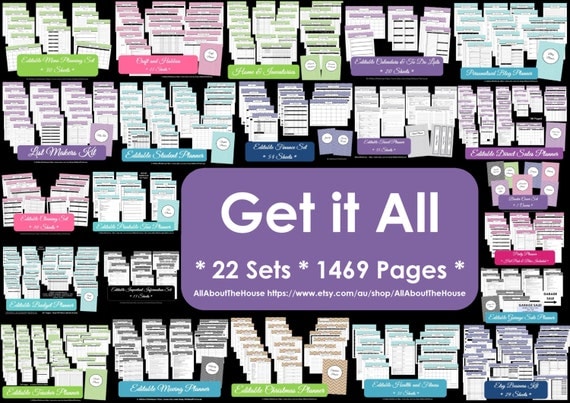
All of the printable planner sets in my shop feature a chevron pattern I created using Photoshop
I've also used a polka dot pattern I made in the direct sales planner:
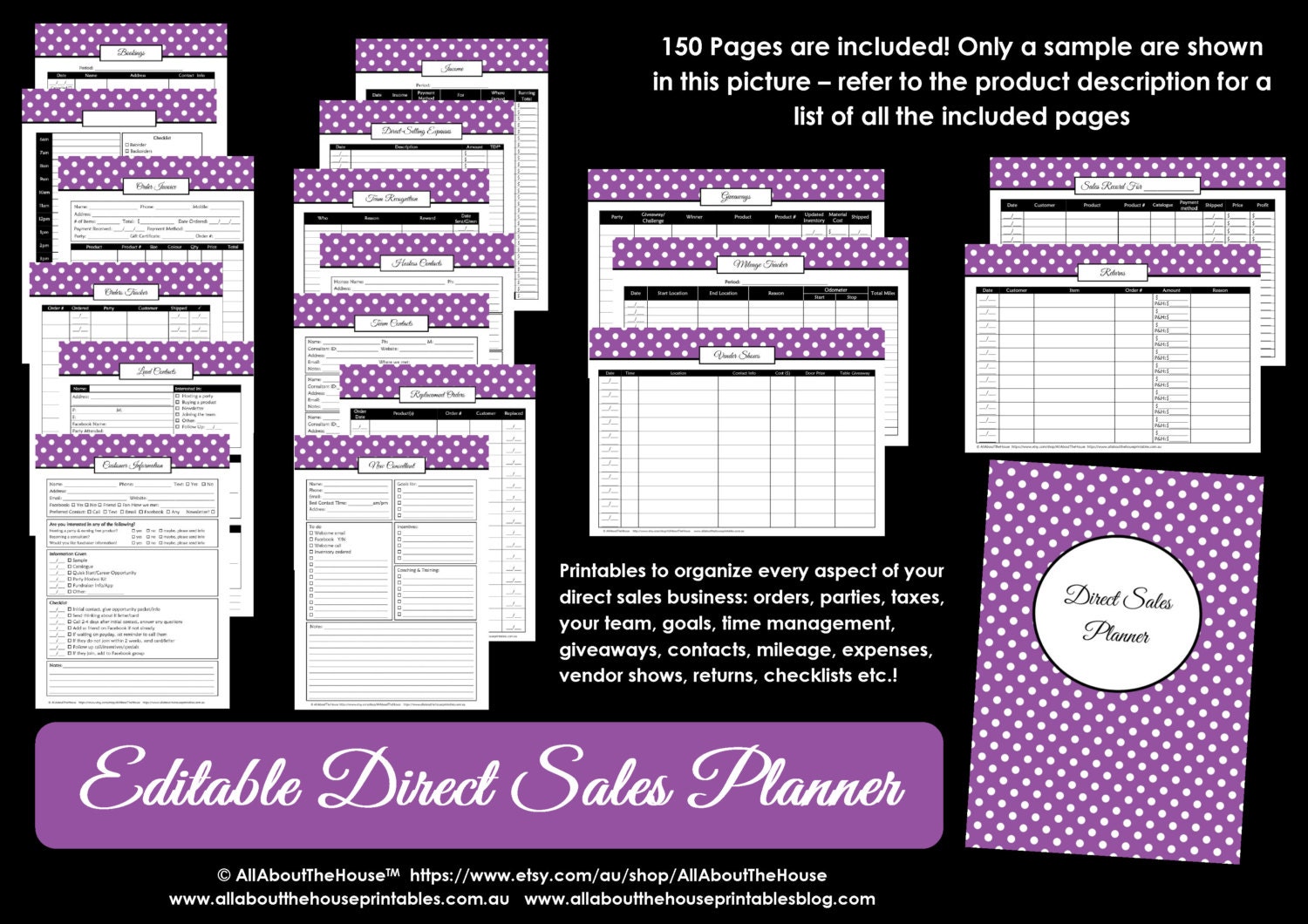
You can create so many designs using just one pattern!
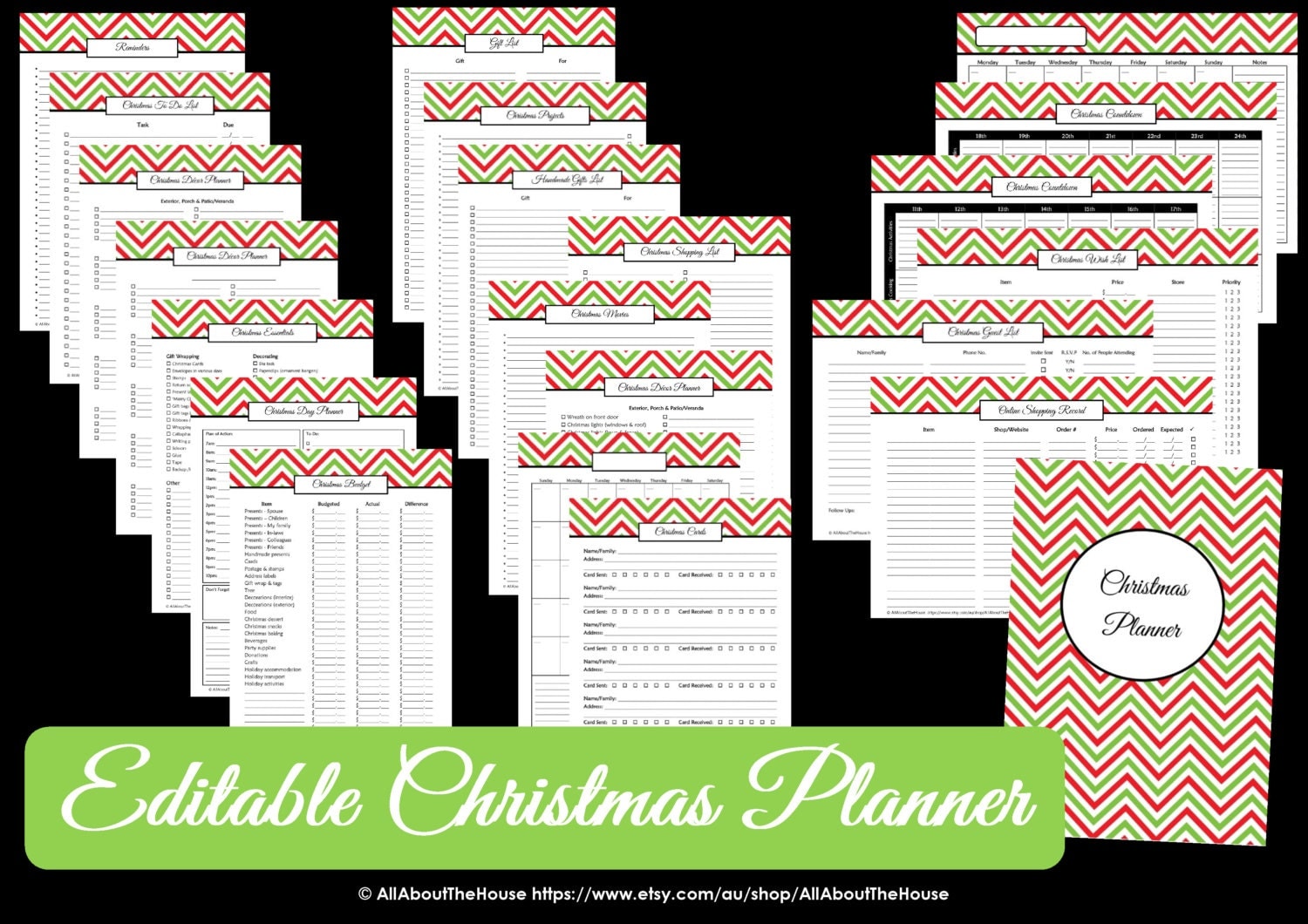
Because I knew how to make patterns in Photoshop, I was able to modify the chevron pattern to be red and green for the Christmas Planner - If I didn't know how to make patterns, I would've had to pay someone to design a custom pattern for me - very time consuming to find someone to do this, converse back and forth to agree on exactly what you want, and then pay for the design and wait for it to be created
...So if I've convinced you that you need Photoshop and want some help learning the basics of Photoshop, click here to access the FREE graphic design video tutorials library.
And if you don't have Photoshop already, see this post for instructions on how to download it.

In the library you’ll find tons of different step-by-step video tutorials on how to use Photoshop including:
- How to use clipping masks
- How to use the color tools in Photoshop
- How to make a repeating pattern in Photoshop
- How to use pattern overlays
- How to use the text tool & change font styles
- How to make a party banner (if you're interested in learning how to make your own party printables)
- And much more!
There’s also a couple of video tutorials where I show how to make things using Canva (free online graphic design software that's sort of similar to Photoshop but nowhere near as powerful), if you just want to dip your feet into the world of graphic design, without using Photoshop.
I hope you find the tutorials helpful!